Ovaj oglas je prodan.
Pronjuškaj slične oglase.
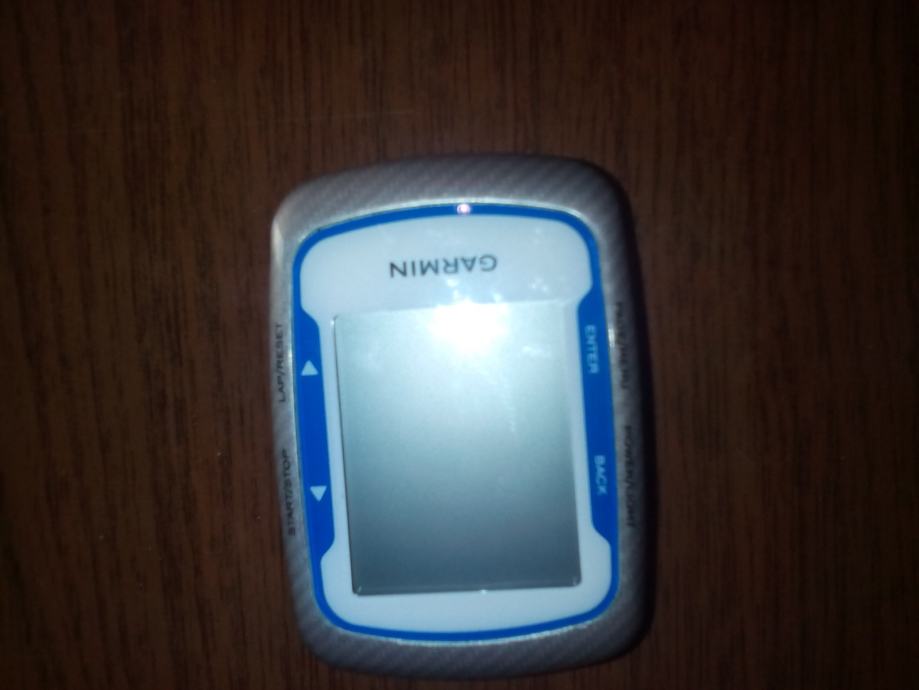
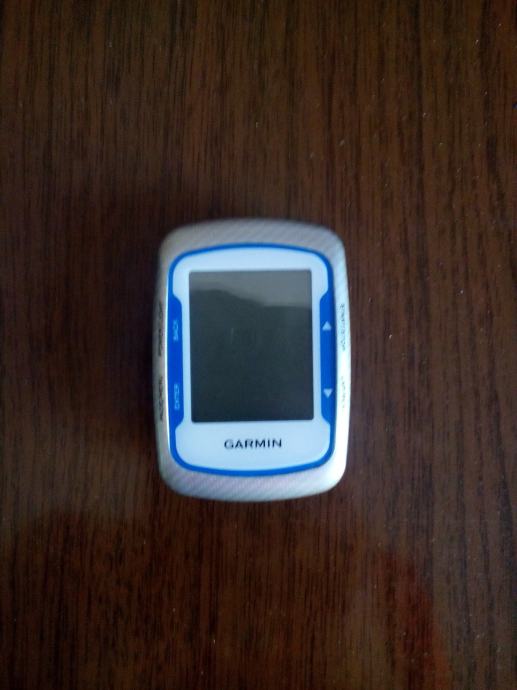
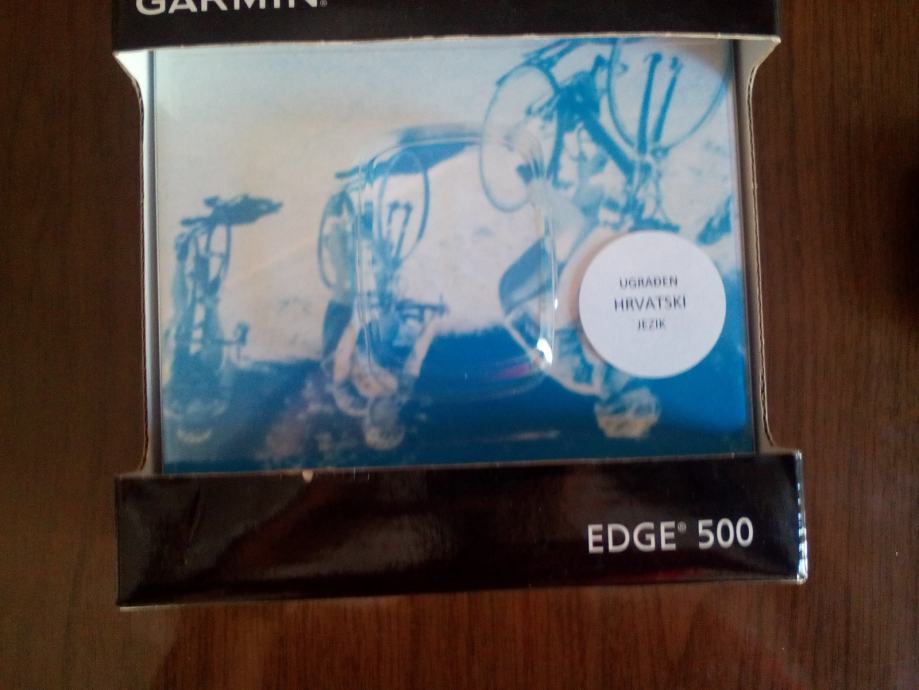
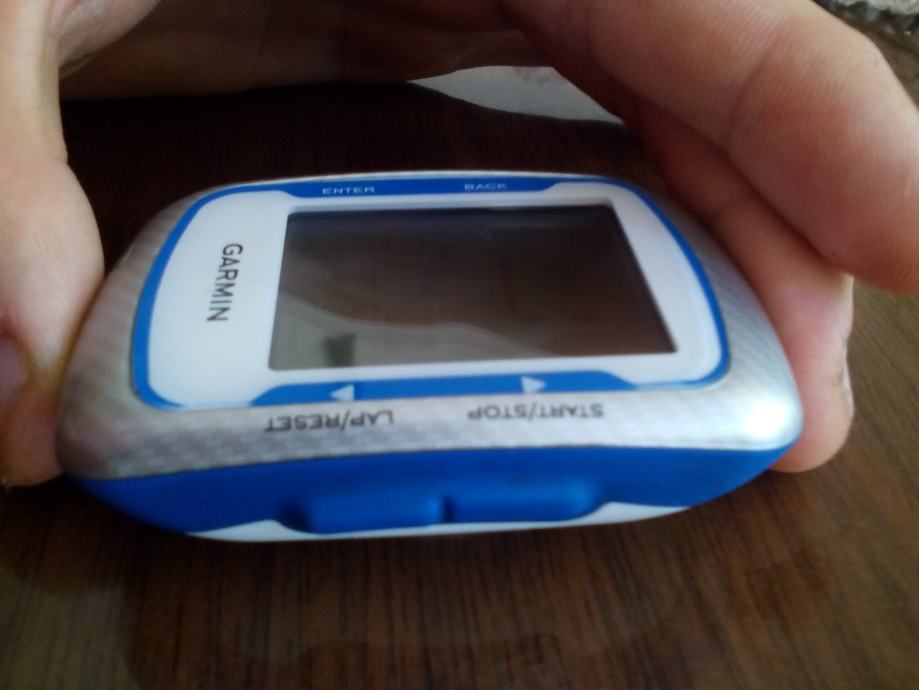
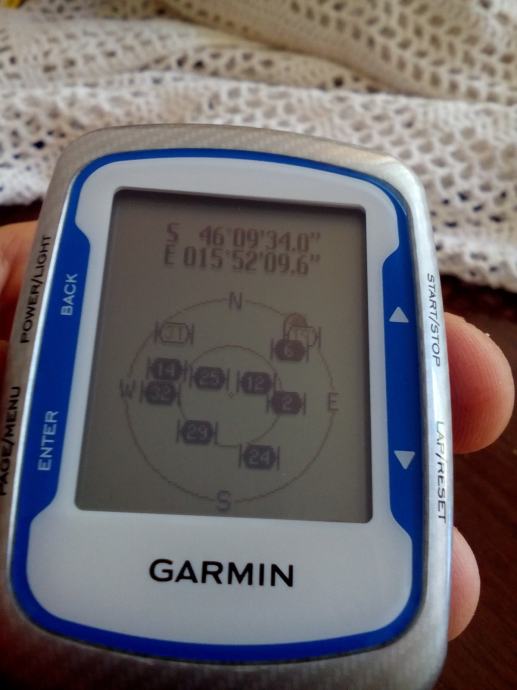
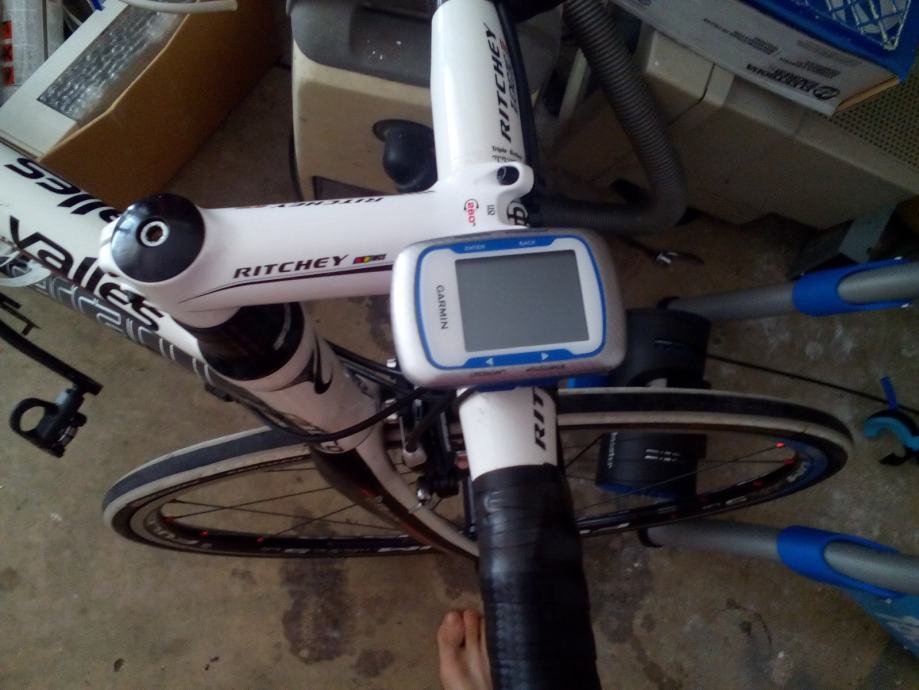
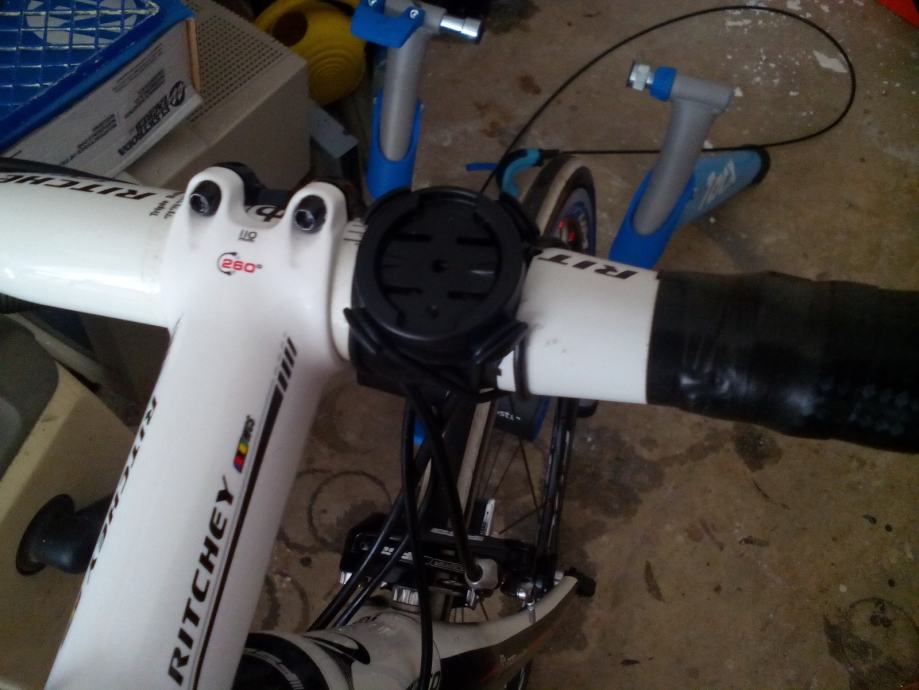


Garmin Edge 500
- Cijena
- 99,54 €
Šifra oglasa: 19669481
Osnovne informacije
- Lokacija
- Krapinsko-zagorska
- Stanje
- rabljeno
Opis oglasa
Prodajem Edge 500 , uređaj je ocuvan kao nov kupljen proslo ljeto u Hervisu. Razlog prodaje je jer sam kupio Fenix 3 multisport... Cijena je fiksna . Šaljem Tiskom nakon vidljive uplate na racun na moj trosak , a ukoliko zelite preko pošte onda vi placate postarinu.
Uredaj se moze upariti s ANT+ heart rate monitorom , senzorom kadence , snage Oni ne dolaze uz uredaj.
The Edge 500 has all the basic features you need in a GPS-enabled bike computer. It displays your speed, distance traveled, trip time, elevation and more in real time. You can also pair the Edge 500 with ANT+ sensors that will detect your heart rate, pedal cadence and pedal power. This means you can monitor your training levels in real time and ensure you're working at optimum efficiency.
The Edge 500 uploads data via a USB cable to the Garmin Connect website. You can use this website to see a map of where you've gone, along with all the aforementioned ride data the Edge 500 gathered. You can share your ride data with your friends or the public and see others' ride data as well.
Garmin Connect has advantages pre-ride as well as post-ride. Before taking your bike out, you can draw a route on satellite map and load it onto your Edge 500. This will enable a type of navigation called course navigation or breadcrumb navigation. As you ride, you'll see a line on the Edge 500, often called a breadcrumb trail that represents your course. You'll also see an arrow representing you, and additional data such as upcoming terrain, directional heading and time to destination.
Breadcrumb navigation is obviously not the same as maps-based, turn-by-turn navigation, but it can prevent you from getting lost on those long training rides in unfamiliar territory.
The Edge 500 has a monochrome LCD screen that can be backlit for night or early morning riding.
You can customize the data the display shows, and separate different data categories into screens. You can set the Edge 500 to auto-scroll through the data it collects so you won't have to press a button in-ride to find something that's not on the primary screen.
- See more at: http://bike-gps-review.toptenreviews.com/edge-500-review.html#sthash.yh6jcyrC.dpuf
Uredaj se moze upariti s ANT+ heart rate monitorom , senzorom kadence , snage Oni ne dolaze uz uredaj.
The Edge 500 has all the basic features you need in a GPS-enabled bike computer. It displays your speed, distance traveled, trip time, elevation and more in real time. You can also pair the Edge 500 with ANT+ sensors that will detect your heart rate, pedal cadence and pedal power. This means you can monitor your training levels in real time and ensure you're working at optimum efficiency.
The Edge 500 uploads data via a USB cable to the Garmin Connect website. You can use this website to see a map of where you've gone, along with all the aforementioned ride data the Edge 500 gathered. You can share your ride data with your friends or the public and see others' ride data as well.
Garmin Connect has advantages pre-ride as well as post-ride. Before taking your bike out, you can draw a route on satellite map and load it onto your Edge 500. This will enable a type of navigation called course navigation or breadcrumb navigation. As you ride, you'll see a line on the Edge 500, often called a breadcrumb trail that represents your course. You'll also see an arrow representing you, and additional data such as upcoming terrain, directional heading and time to destination.
Breadcrumb navigation is obviously not the same as maps-based, turn-by-turn navigation, but it can prevent you from getting lost on those long training rides in unfamiliar territory.
The Edge 500 has a monochrome LCD screen that can be backlit for night or early morning riding.
You can customize the data the display shows, and separate different data categories into screens. You can set the Edge 500 to auto-scroll through the data it collects so you won't have to press a button in-ride to find something that's not on the primary screen.
- See more at: http://bike-gps-review.toptenreviews.com/edge-500-review.html#sthash.yh6jcyrC.dpuf
- Oglas objavljen
- 11.07.2016. u 11:29
- Do isteka još
- oglas istekao
- Oglas prikazan
- 513 puta